
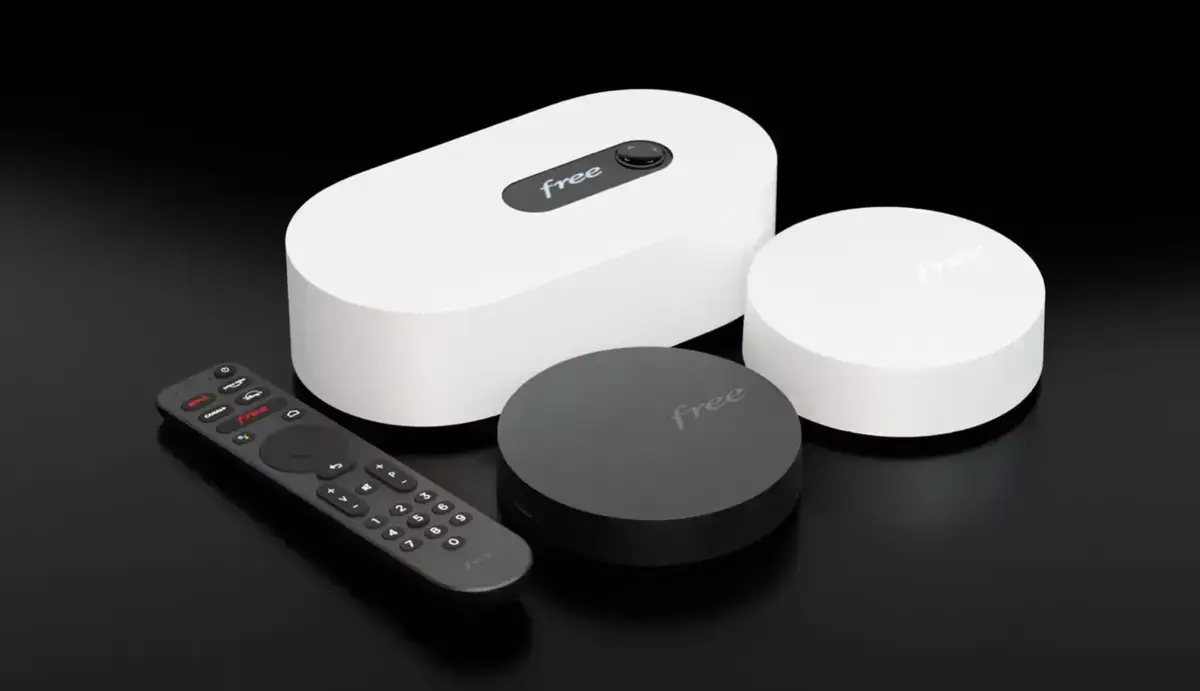
Free has rolled out a new update for its Freebox Ultra, Delta, Pop, and Révolution models. This update includes the WPA3 protocol for enhanced security, tweaks to guest Wi-Fi settings, several technical enhancements, and multiple bug fixes.
Amazon co-founder MacKenzie Scott has donated over $19 billion to charity in just five years
Diamond batteries powered by nuclear waste promise 28,000 years of clean energy
Enhanced Security with WPA3
The highlight of the version 4.9.0 update, released on March 18, 2025, is the introduction of WPA3. This protocol is gradually replacing WPA2, offering increased security for Wi-Fi connections. Free has also implemented a “WPA3 compatibility” mode, which allows devices that are not compatible with WPA3 to continue using WPA2. The success of this transition will, of course, depend on the user’s equipment.
Another update in the Wi-Fi department is the revamped guest mode. Now, it features a dedicated network name, which simplifies management and avoids interference with the main network. Wi-Fi keys that were set up before the update will remain unchanged.
Technical Enhancements for Specific Freebox Models
There are also model-specific updates making their debut. The Freebox Pop and Ultra models now have an option to disable or adjust the front LED via the Freebox OS interface. Additionally, Free has introduced support for certain MLO parameters, a technology related to Wi-Fi 7, which could allow compatible devices to utilize multiple frequency bands simultaneously.
The performance of virtual machines on the Freebox Delta has been improved, offering increased responsiveness and stability. For the Freebox Pop and Ultra, enhancements have been made to the 2.4 GHz band of Wi-Fi 7, designed to provide better range and a more stable connection.
Bug Fixes and Adjustments
As usual, this update addresses several issues reported by users. Among them:
• Download manager bug: the blocklist, which was deactivating after each restart, now works correctly.
• SMB sharing on iOS 18: read-only files are once again accessible via Apple’s Files app.
• Issues with malformed URLs: fixes for bugs affecting the management of Freebox cameras and sharing links.
• A fix for Mediatek MT7927 stations, which were experiencing connectivity issues.
How to Install the Update?
To upgrade to version 4.9.0, simply restart your Freebox Server. This can be done via the Freebox Connect app or directly through the Freebox OS interface. Free also notes that Wi-Fi repeaters are included in this update, with version 2.5.10 improving the management of 2.4 GHz Wi-Fi and adding support for WPA3.