
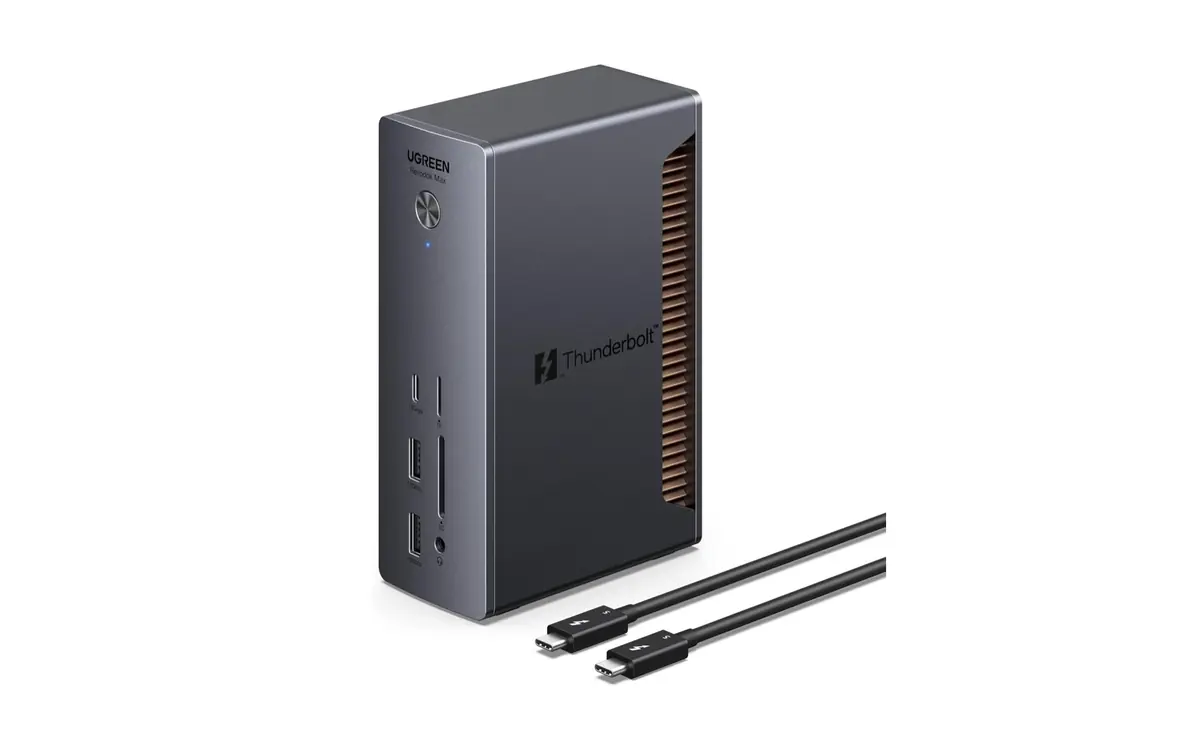
Feeling cramped on your Mac and in need of more ports? Adding a Thunderbolt dock to your setup might be a great solution. Ugreen has recently introduced a new Thunderbolt 5 dock model that is currently on sale and can meet a wide array of needs.
Amazon co-founder MacKenzie Scott has donated over $19 billion to charity in just five years
Diamond batteries powered by nuclear waste promise 28,000 years of clean energy
Ugreen Revodok Max Thunderbolt 5
Selecting the right Thunderbolt dock isn’t straightforward and it’s important to clearly understand your needs to choose a model that best fits your expectations. Ugreen’s new Revodok Max 2131 is an exciting Thunderbolt 5 contender, offering 13 ports that can challenge our favorite from the previous Thunderbolt 4 generation, the CalDigit TS4 which has 18 ports, especially with today’s discount.
120 Gb/s in Thunderbolt 5 and 2.5 GbE
With the Revodok Max 2131, Ugreen has made a significant impact. This Thunderbolt 5 dock is far from just a lazy rebranding of existing technology: it offers a comprehensive set of ports, a solid design, and the bold ambition to replace your hubs, docking stations, and chargers with a single metallic monolith.
When it comes to connectivity, it’s a feast: four Thunderbolt 5 ports (including one host) delivering up to 120 Gb/s (80 Gb/s base, which is twice the bandwidth of Thunderbolt 3 and Thunderbolt 4), a 2.5 GbE port, four USB-A ports and a USB-C port (at 10 Gbps and delivering up to 20W), a UHS-II SD and microSD card reader (312 Mb/s), a combo audio mini jack port, and topping off the dock, a charging power of up to 140 W for the host machine. Yes, it can even power a 16-inch MacBook Pro at full throttle without breaking a sweat.
Thunderbolt 5 here allows for managing two 6K displays at 60 Hz, or even an 8K display—assuming your machine can keep up. As for design, it maintains a minimalist and premium look, with an aluminum finish that exudes durability. Clearly, this product isn’t for everyone, but for demanding users who want to connect their world with a single cable, the Revodok Max 2131 ticks almost all the boxes.