
Amazon co-founder MacKenzie Scott has donated over $19 billion to charity in just five years
Diamond batteries powered by nuclear waste promise 28,000 years of clean energy
A Wrist-Powered Gesture for Managing Interactions
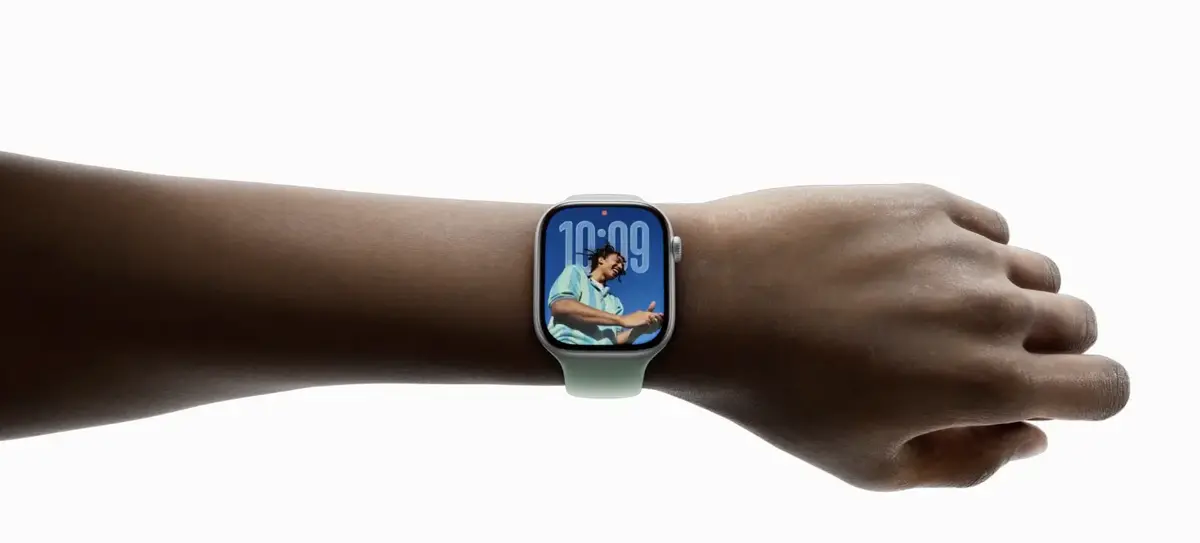
This new gesture—a subtle wrist rotation—enables users to dismiss an incoming notification or call, silence an alarm or timer, or even return directly to the watch face. Specifically, if you lift your wrist to glance at a notification but don’t want to respond, a quick forward twist followed by a swift reverse twist dismisses it discreetly.
This feature aligns with Apple’s goal to offer a smoother and more accessible experience, especially in situations where interacting directly with the touchscreen is not feasible.
A Feature Limited to the Latest Apple Watches
But not all Apple Watch generations will enjoy this feature: Handling notifications is even easier with a simple wrist turn on the Apple Watch Series 9, Apple Watch Series 10, and Apple Watch Ultra 2
.
As expected, this functionality will only be available on Apple Watches that are equipped with the latest motion sensors and the Neural Engine chip capable of processing gesture data locally through machine learning (even the first generation Ultra is excluded). Note, these are precisely the models that already support the ‘Double Tap’ feature, confirming that these gesture interactions rely on the most recent sensors (accelerometer, gyroscope, embedded ML model).
NASA warns China could slow Earth’s rotation with one simple move
This dog endured 27 hours of labor and gave birth to a record-breaking number of puppies
Learn More
What’s New in iOS 26
What’s New in macOS 26
What’s New in iPadOS 26
What’s New in watchOS 26