
As the end of Windows 10 draws near, many users are rethinking their relationship with Microsoft. Whether it’s the relentless data collection, nagging upgrade prompts, or the looming need to replace otherwise functional hardware, the frustration is real. But here’s some good news: switching to Linux in 2025 isn’t just a rebellious move—it might be the smartest choice you make for your computer.
Amazon co-founder MacKenzie Scott has donated over $19 billion to charity in just five years
Diamond batteries powered by nuclear waste promise 28,000 years of clean energy
The Windows 10 Deadline Is Coming
October 14, 2025, marks the official end of support for Windows 10. After that, no more security updates, no more patches—just a ticking time bomb for anyone still using it. Microsoft would love to see you leap to Windows 11, but with its tighter hardware requirements, more aggressive ad integrations, and persistent telemetry, it’s not exactly a welcoming upgrade.
And let’s not even get started on Windows 11 Copilot+ and its controversial “Recall” feature. Many privacy advocates have flagged it as a nightmare scenario for user data. Little wonder the adoption rate for Windows 11 has been sluggish, hovering around just 30% globally despite being available since 2021.

Linux Isn’t What It Used to Be
If you’re picturing a clunky black terminal window and endless code just to open a file, stop right there. Today’s Linux is sleek, user-friendly, and even fun. I made the switch on my aging 2014 laptop last year, and it’s like the thing got a second wind—quiet fan, snappy performance, and zero pop-ups begging me to sign into a Microsoft account.
You’re not alone if you’ve already used Linux without realizing it. Android, smart TVs, routers, cloud servers—many of them run on some version of Linux. Even macOS has Unix roots. And countries like Germany, India, and France are migrating their government infrastructure to Linux for cost, security, and sovereignty reasons.
Why Linux Makes Sense in 2025?
There’s a laundry list of reasons why Linux is worth your attention right now:
NASA warns China could slow Earth’s rotation with one simple move
This dog endured 27 hours of labor and gave birth to a record-breaking number of puppies
-
It’s free. No licenses, no subscriptions. Ever.
-
It’s lightweight. Linux often runs beautifully on older hardware. Some distros breathe new life into decade-old laptops.
-
It’s secure. Bugs happen, but Linux patches vulnerabilities fast, often within days.
-
It respects your privacy. Linux doesn’t phone home or sell your behavior to advertisers.
-
It supports gaming. Thanks to Steam’s Proton layer and other tools, over 85% of Windows games are now playable on Linux—with some even running better than on Windows.
Of course, it’s not all sunshine. Some older hardware lacks Linux drivers, and installing niche software might mean copying a command into the terminal. But these hurdles are minor compared to the freedom you gain.

The Three Best Linux Distros for Windows Converts
Choosing a Linux distribution (or “distro”) can feel like walking into an ice cream shop with 600 flavors. Here are three that are perfect for beginners—especially those coming from Windows:
1. Linux Mint
This is hands-down the most beginner-friendly distro out there. It’s stable, has a Windows-like interface, and includes everything you need right out of the box. I installed it on my aunt’s five-year-old HP laptop, and she hasn’t looked back since.
2. Fedora KDE
Fedora is often seen as the enterprise darling of Linux, and the KDE Plasma desktop makes it sleek and highly customizable—think Windows but smarter. It’s also one of the most up-to-date distros, backed by Red Hat and a vibrant developer community.
3. Linux Lite
For older machines or if you just want something featherlight, Linux Lite is a great pick. It skips the eye candy, but it’s stable, responsive, and gets the job done without fuss.
What’s This “Desktop Environment” Business?
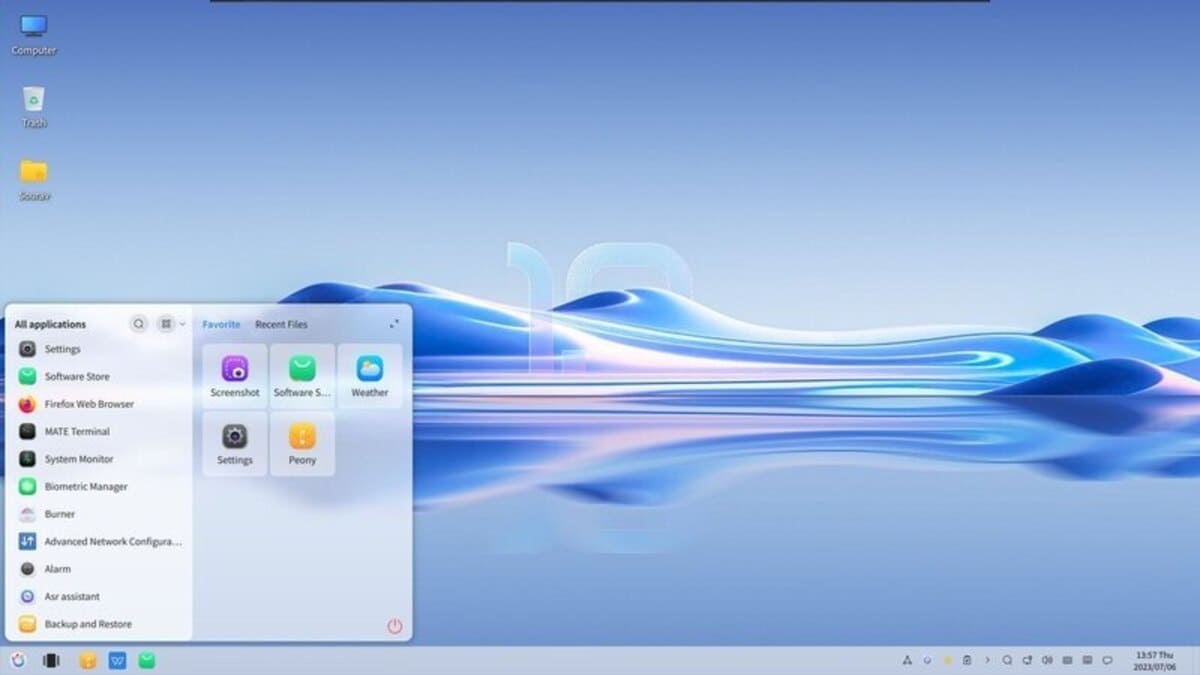
Unlike Windows, Linux lets you choose your desktop environment, the graphical interface you interact with. The two most popular ones are:
-
KDE Plasma: Clean, modern, and endlessly customizable. Closest to the Windows aesthetic.
-
GNOME: Minimalist and smooth, with a design that might remind you of macOS.
You can even switch between desktops if you want—yes, really.
Try Before You Commit
Not sure which distro fits your vibe? No problem. You can test drive them from a bootable USB stick without touching your hard drive. All you need is:
-
A USB drive (at least 8GB)
-
A free tool like Balena Etcher to flash the
.isofile -
Access to your computer’s BIOS/UEFI settings (usually by pressing F1, ESC, or DEL during startup)
-
Booting from the USB and selecting “Try without installing”
You can then explore the system at your own pace. When ready, install Linux alongside Windows (dual boot) or wipe the drive completely—it’s up to you.

Replacing Your Favorite Windows Apps
No, you won’t have Microsoft Office or Photoshop, but Linux has powerful (and often open-source) alternatives. Here are a few worth checking out:
-
Office suite: OnlyOffice or LibreOffice
-
Design tools: GIMP, Krita, Inkscape
-
Video editing: KdenLive, Shotcut, DaVinci Resolve
-
PDF tools: Okular, PDF.js, Zathura
-
Messaging: Telegram, Signal, Slack, Discord
-
Development: VS Code, Zed, FileZilla
-
Media: VLC, OBS Studio, Audacity
Even complex creative workflows and music production (with Ardour, Bitwig, or Reaper) are totally doable under Linux.
Final Thoughts: Changing Habits Is the Hard Part
The toughest part of switching to Linux isn’t technical—it’s psychological. We’re creatures of habit, and shaking off a decade or more of Windows muscle memory takes time. But stick with it. The reward is a fast, secure, private system that gives you control, not nags you to buy cloud storage or “upgrade now.”
Welcome to the world of Linux—where your PC serves you, not the other way around.